Features

One-time passcodes

You can now add your one-time passcodes to identities for seamless login experiences across the internet.

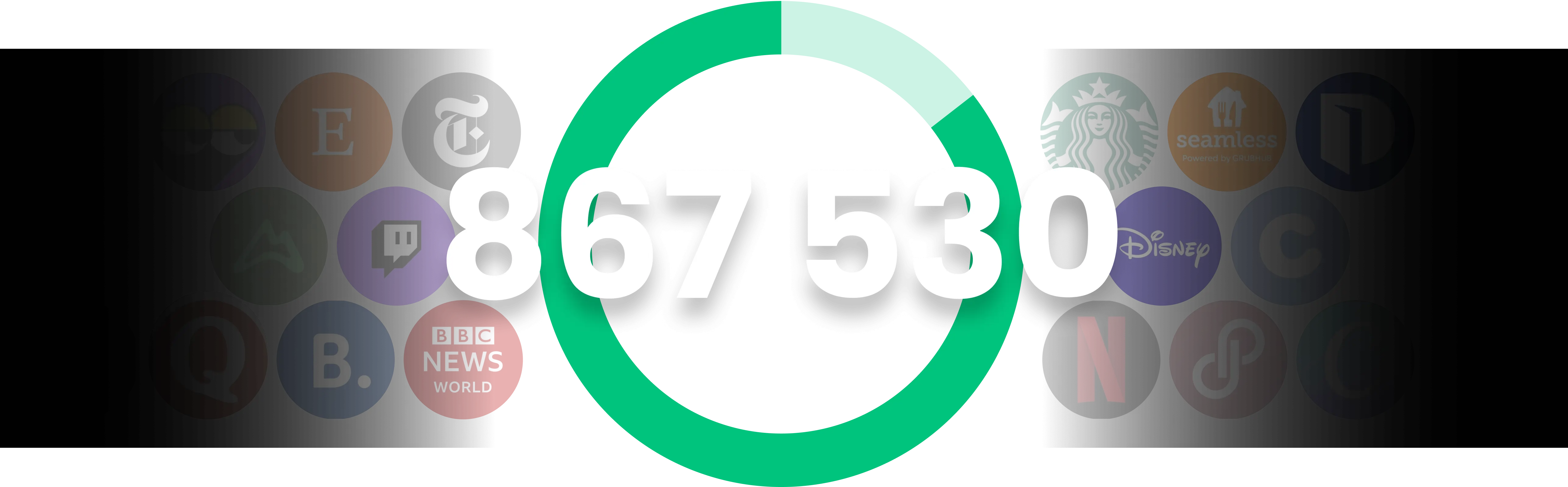
White numbers 867/530 in bold font centered inside a green circle on a black background with faded app and media logos behind.
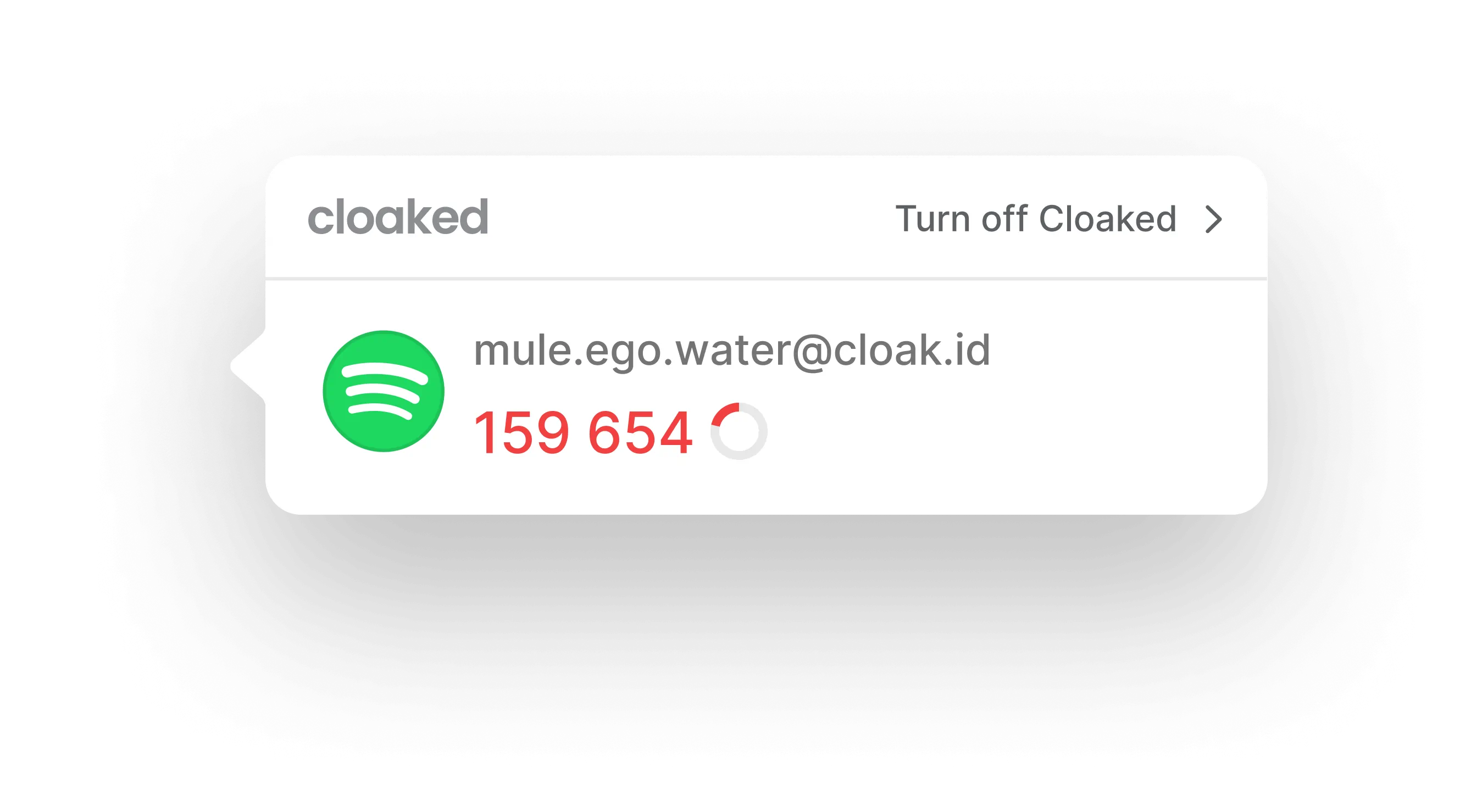
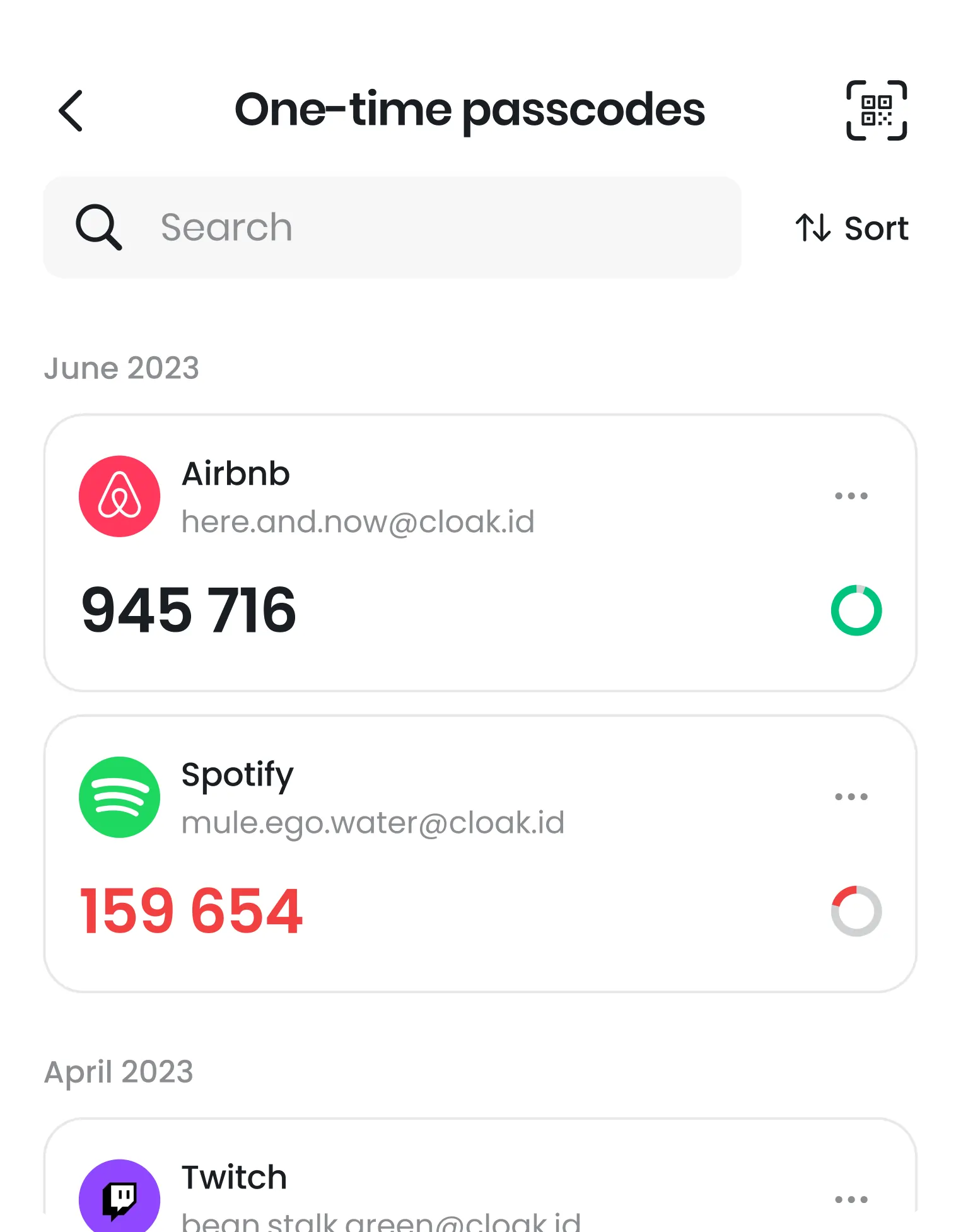
Two-factor authentication code 159 654 for mule.ego.water@cloak.id with Spotify icon on white Cloaked app interface.

A seamless autofill experience

No more hunting on your phone for that one passcode. Your one-time passcodes are directly tied to your identities and can autofilled with one click.

Two-factor authentication code 159 654 for mule.ego.water@cloak.id with Spotify icon on white Cloaked app interface.
Mobile app screen showing one-time passcodes for Airbnb and Spotify accounts with email addresses and expiring timer icons.

A single place for logins and TOTP

Time-based one-time passcodes (TOTP) are a secondary authentication method that can be setup to more securely protect your accounts online. You may be familiar with receiving a text message with a 6-digit code to log in to certain services - this is an even more secure version of that.

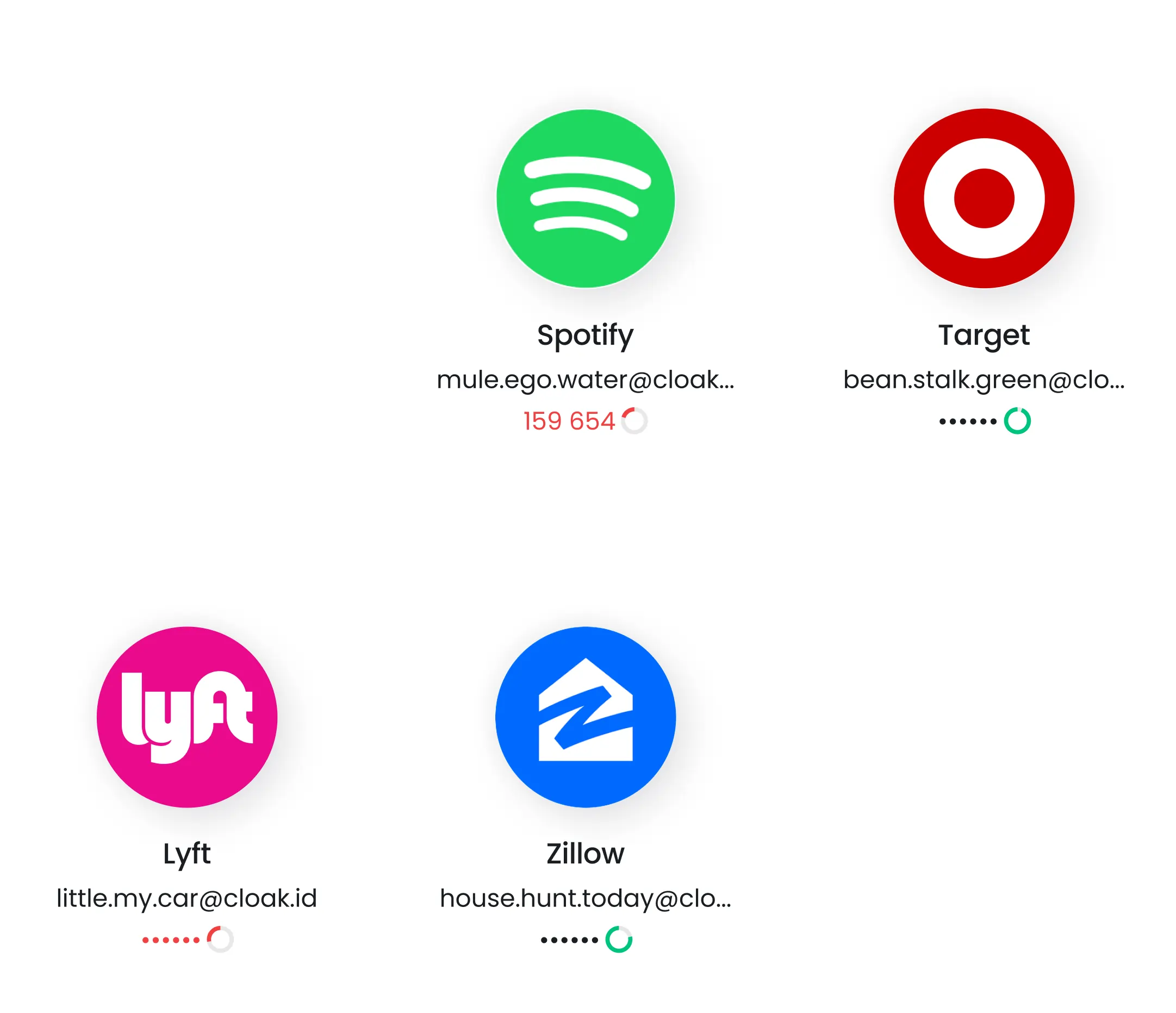
Grid of four app login cards showing Spotify, Target, Lyft, and Zillow with blurred email addresses and loading icons.

Easy access

One-time passcodes are seamlessly integrated into the Cloaked ecosystem - available wherever you need it.

With Cloaked, you can easily store these authentication codes to your Identities (Cloaks) on Mobile, Dashboard and Extension. Tap to copy and you’re done.

Grid of four app login cards showing Spotify, Target, Lyft, and Zillow with blurred email addresses and loading icons.

Setting up one-time passcodes

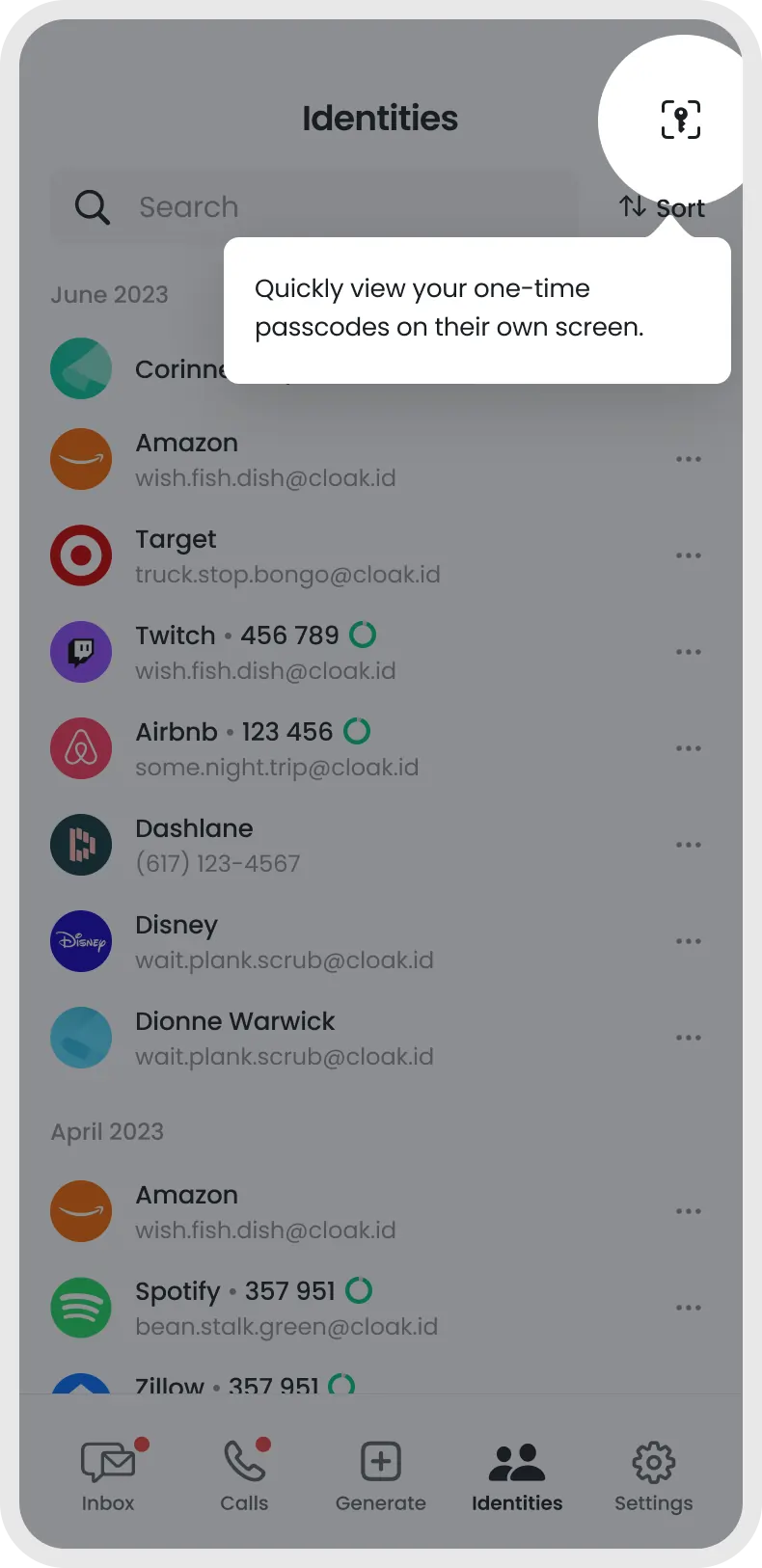
From the identities tab

Tap on the
key icon

Mobile app screen labeled Identities showing a list of accounts with associated emails and one-time passcodes, including Amazon, Target, Twitch, Airbnb, Dashlane, Disney, Dionne Warwick, Spotify, and Zillow, with a tooltip stating 'Quickly view your one-time passcodes on their own screen.'

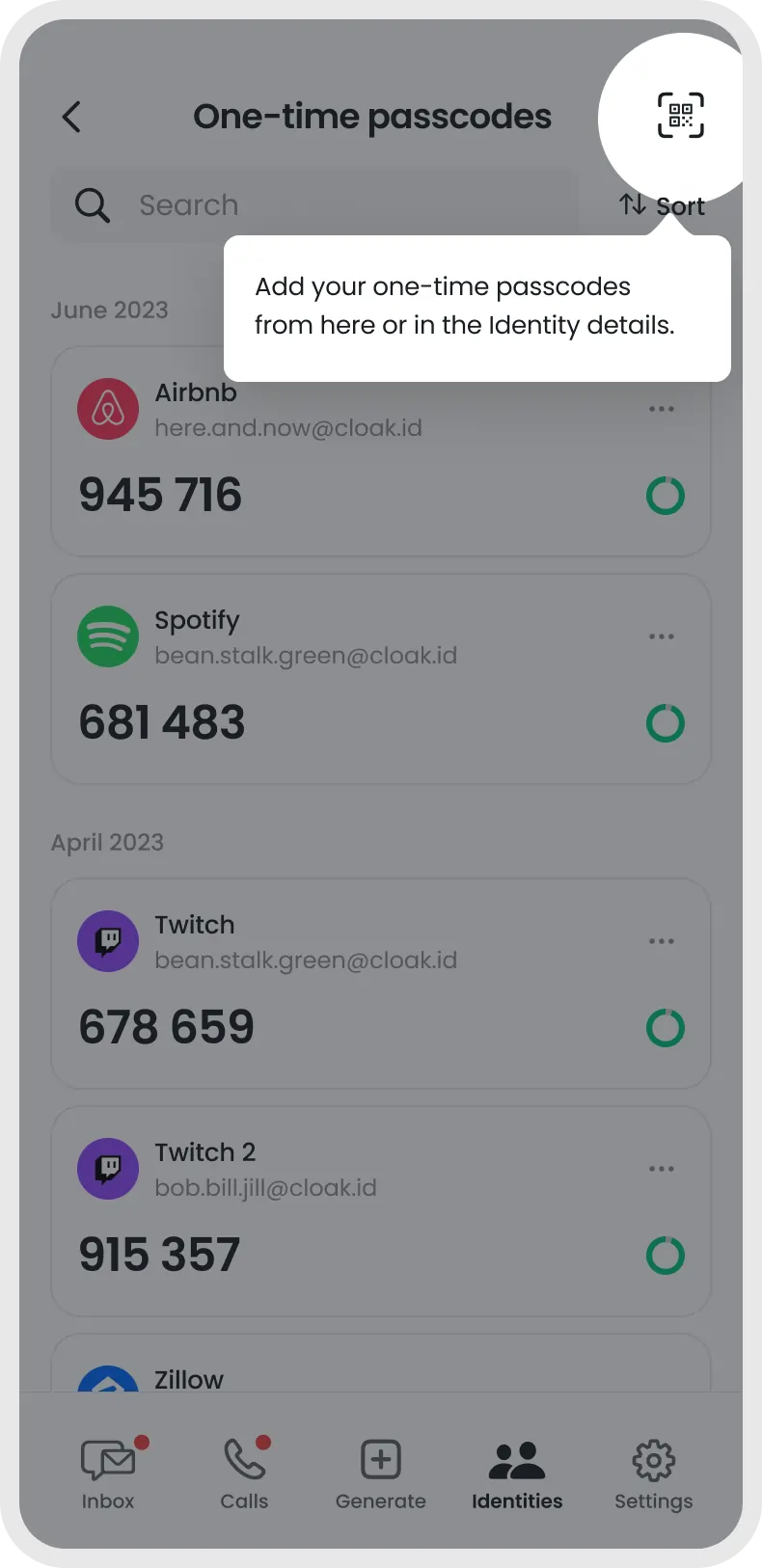
On the one-time passcodes screen

Tap the QR
code icon

Mobile app screen showing one-time passcodes list for Airbnb, Spotify, Twitch, and Twitch 2 accounts with associated emails and numeric codes.

From the overlay

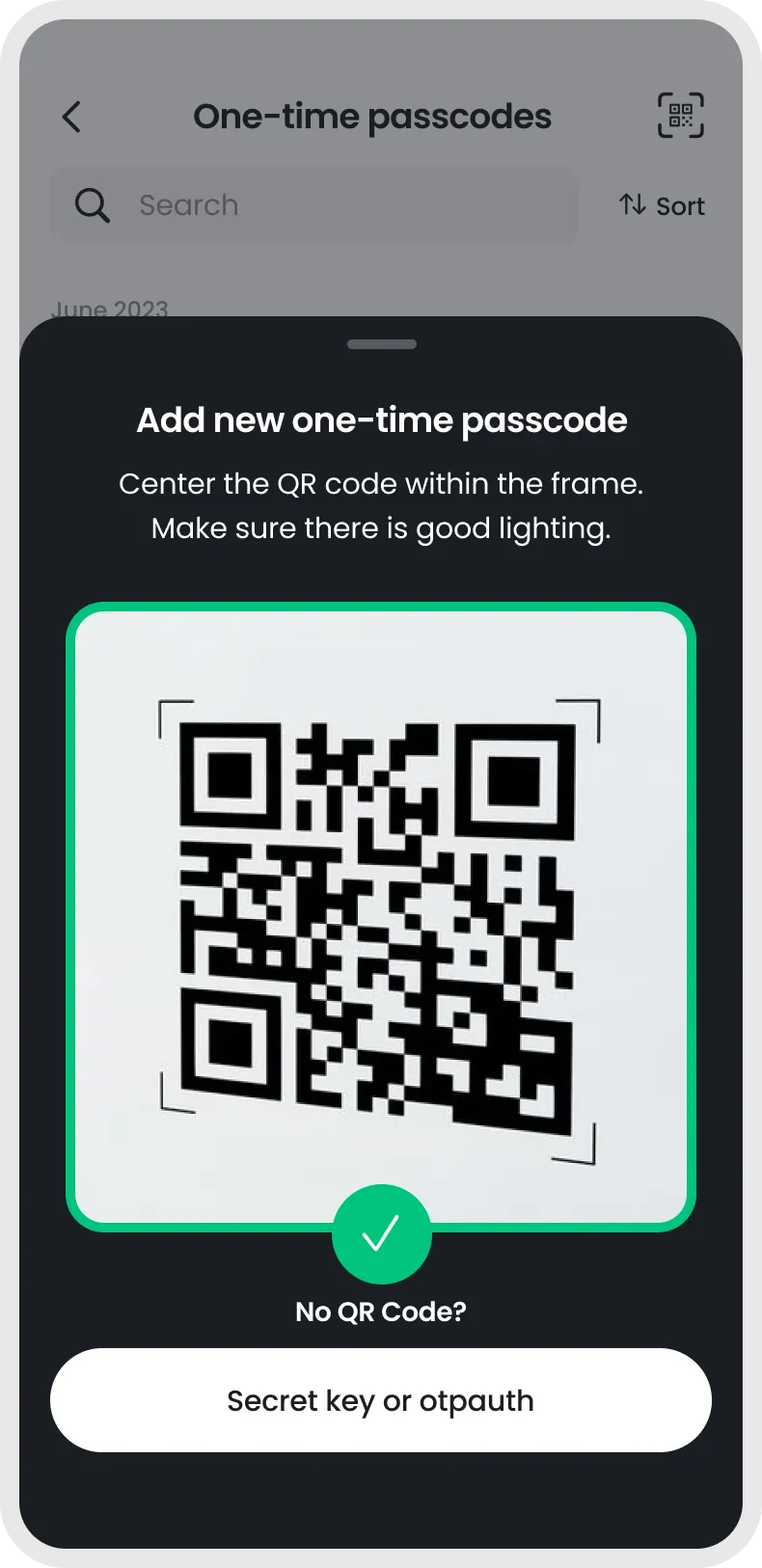
Scan or enter a secret key

Mobile app screen prompting to add a new one-time passcode by centering a QR code in the frame, with instructions and a button for secret key or otpauth option.

There’s even more to Cloaked.